exFAT everywhere
exFAT drives work on iPhone, Mac and Windows.
Guide
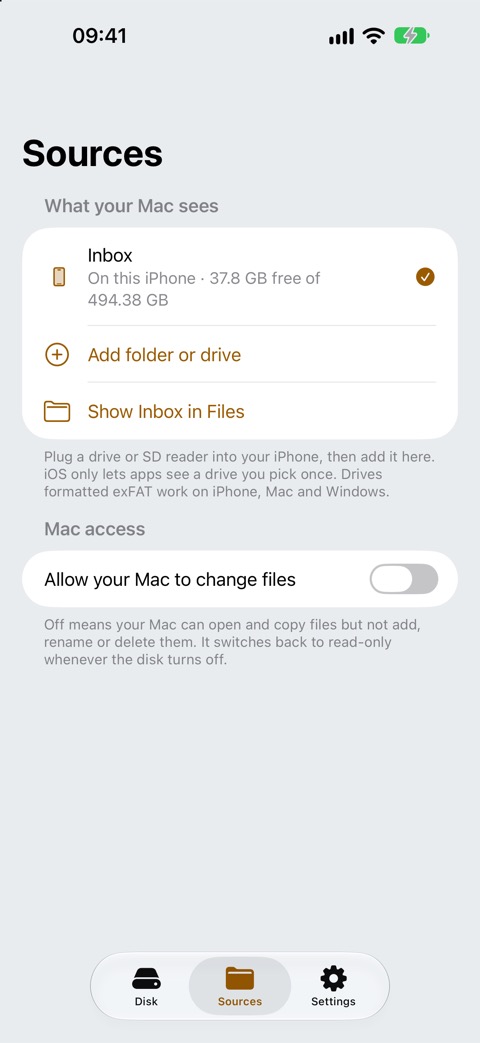
Plug the SSD or SD card reader into your iPhone, add it in DiskBeam, and your Mac sees the whole drive in Finder.
This is part of DiskBeam Pro.
iOS lets apps see a drive you pick once. If you plug the drive back in later and DiskBeam asks, add it again.
exFAT drives work on iPhone, Mac and Windows.
Your Mac can't change the drive until you allow it in DiskBeam.
Some drives need more power than an iPhone gives; a powered hub helps if the drive doesn't show up in Files.
Only if the camera or its card shows up as a drive in the Files app, for example through an SD card reader.
Get DiskBeam, turn on the disk and press ⌘K on your Mac.
iOS 17+ · iPhone and iPad · No account